|

|
|
|
|
|
|
|
|
|
ESI - 100mm X 200mm VESA Conversion Plate
|
ESI - Converts 75mm or 100mm VESA Mount to Attach a 100mm x 200mm VESA Monitor
|
|
|
|
|
|
|
|
|
|
|
|
|
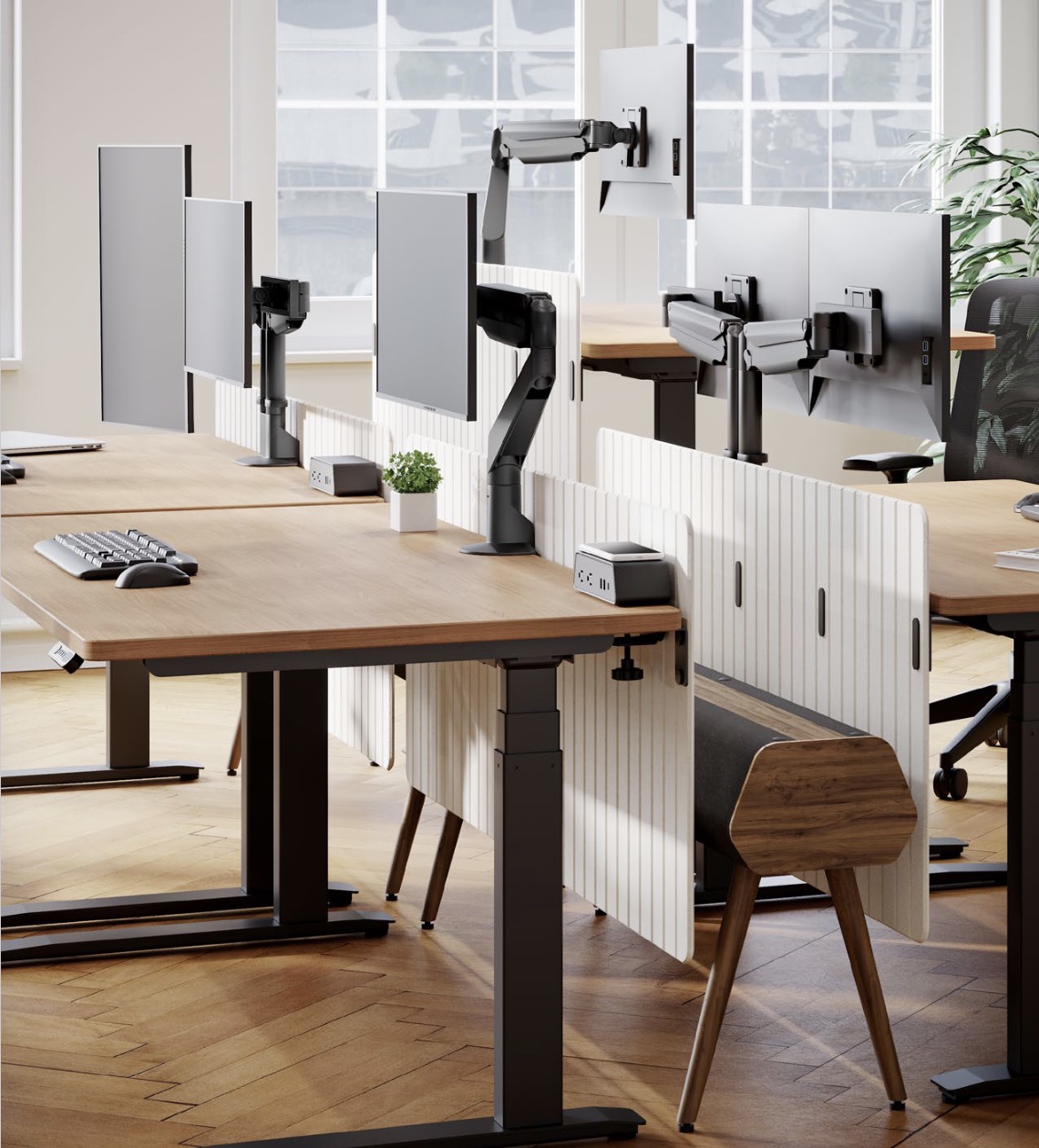
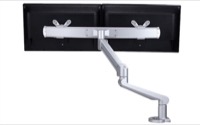
The ESI Edge adjustable display monitor arm is so easy to position because no tools or handles required. It is a great solution in situations where multiple users occupy the same workspace.
|
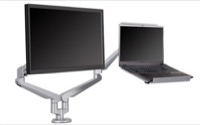
The Edge is so easy to position because no tools or handles required. It is a great solution in situations where multiple users occupy the same workspace.
|
|
|
|
|
|
|
|
|
|
|
|
|
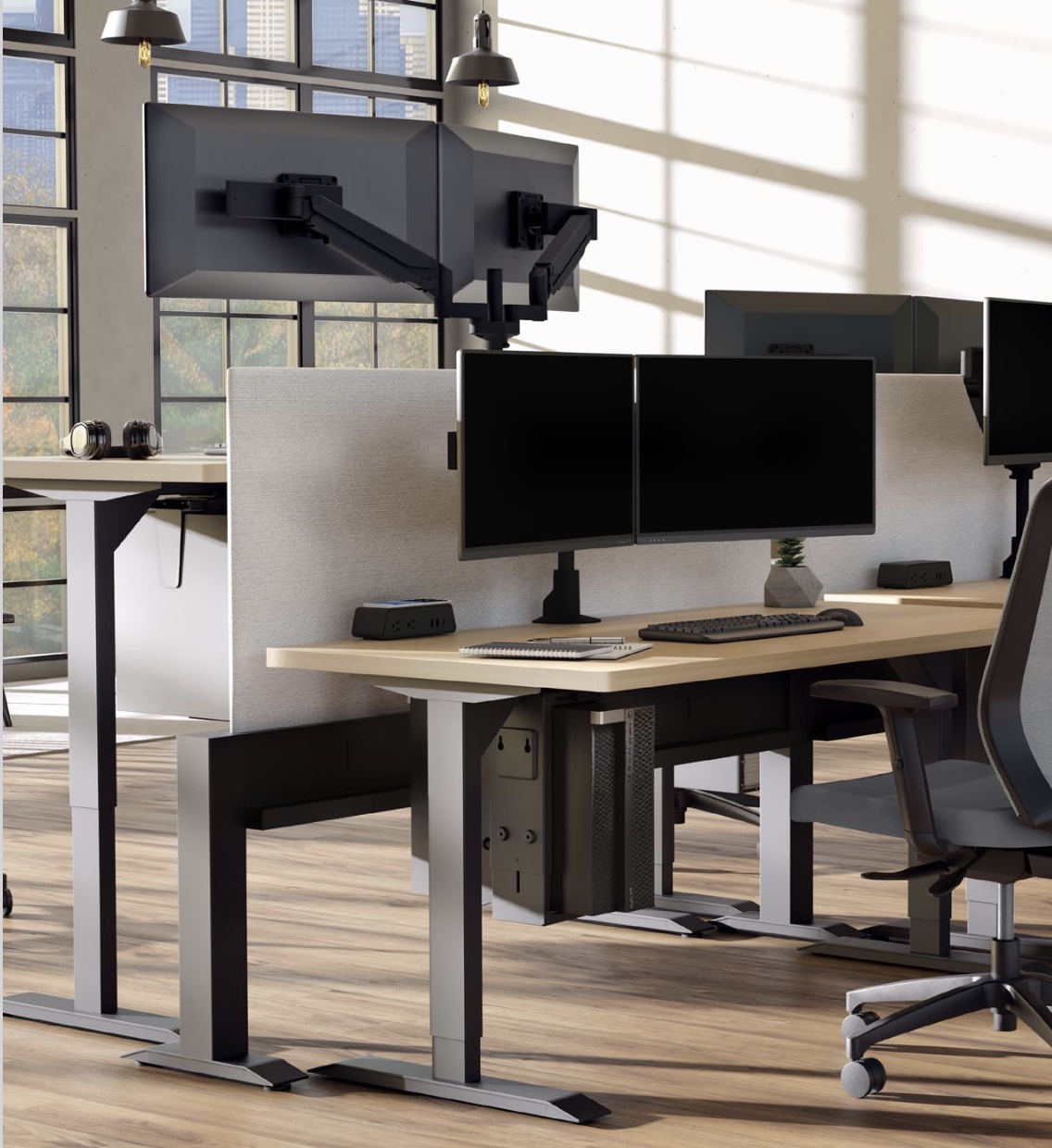
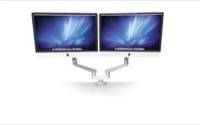
The ESI Edge adjustable display monitor arm is so easy to position because no tools or handles required. It is a great solution in situations where multiple users occupy the same workspace.
|
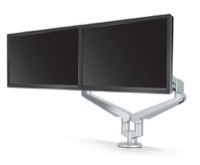
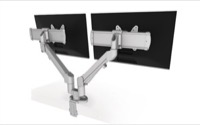
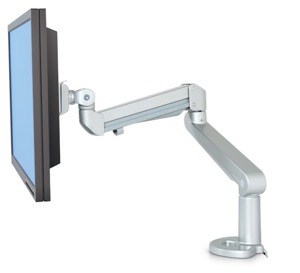
The Edge2 Dual Monitor is so easy to position because no tools or handles required. It is a great solution in situations where multiple users occupy the same workspace.
|
|
|
|
|
|
|
|
|
|
|
|
|
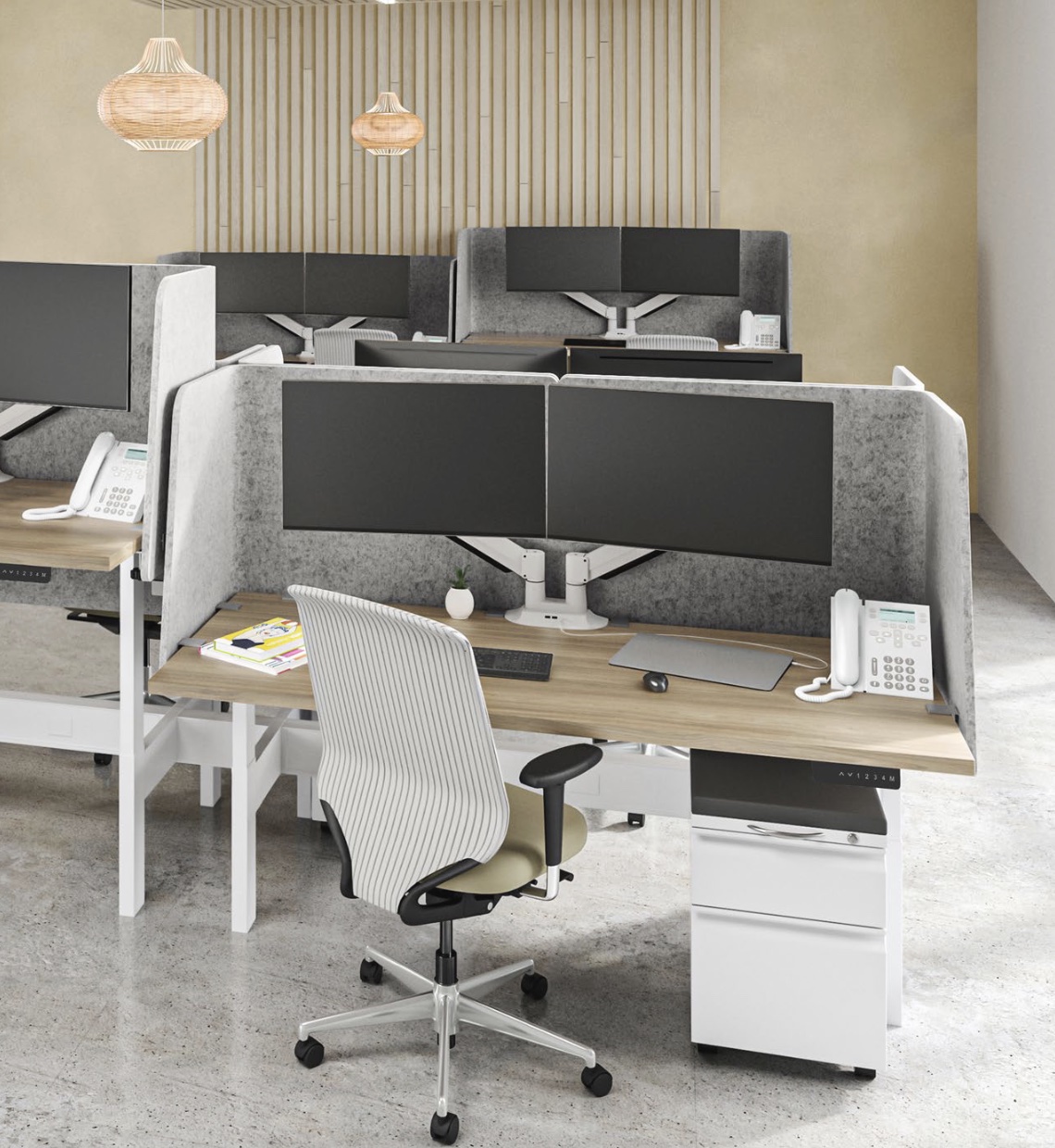
The Edge2-MS Dual Monitor is so easy to position because no tools or handles required. It is a great solution in situations where multiple users occupy the same workspace.
|
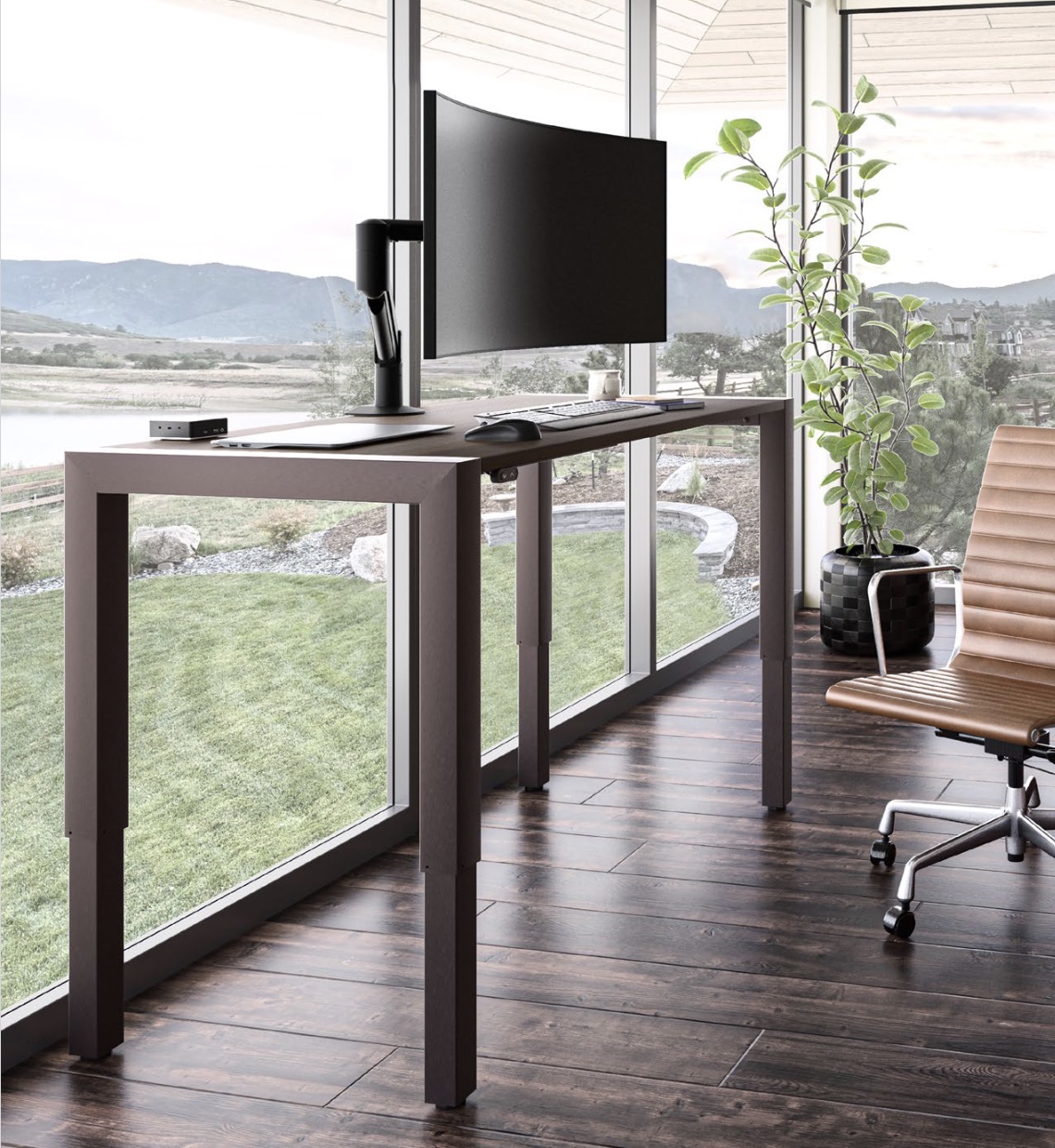
The ESI Edge adjustable display monitor arm is so easy to position because no tools or handles required. It is a great solution in situations where multiple users occupy the same workspace.
|
|
|
|
|
|
|
|
|
|
|
|
|
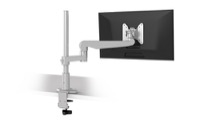
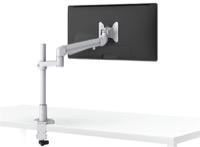
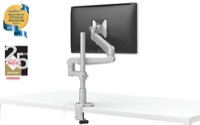
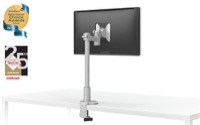
The ESI Evolve adjustable display monitor arm is so easy to position because no tools or handles required. It is a great solution in situations where multiple users occupy the same workspace.
|
The ESI Evolve adjustable display monitor arm is so easy to position because no tools or handles required. It is a great solution in situations where multiple users occupy the same workspace.
|
|
|
|
|
|
|
|
|
|
|
|
|
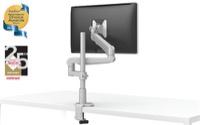
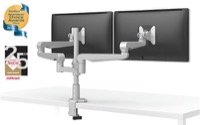
The ESI Evolve adjustable display monitor arm is so easy to position because no tools or handles required. It is a great solution in situations where multiple users occupy the same workspace.
|
The ESI Evolve adjustable display monitor arm is so easy to position because no tools or handles required. It is a great solution in situations where multiple users occupy the same workspace.
|
|
|
|
|
|
|
|
|
|
|
|
|
The ESI Evolve adjustable display monitor arm is so easy to position because no tools or handles required. It is a great solution in situations where multiple users occupy the same workspace.
|
The ESI Evolve adjustable display monitor arm is so easy to position because no tools or handles required. It is a great solution in situations where multiple users occupy the same workspace.
|
|
|
|
|
|
|
|
|
|
|
|
|
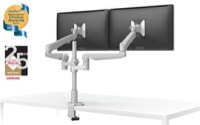
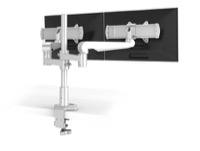
The ESI Evolve adjustable display monitor arm is so easy to position because no tools or handles required. It is a great solution in situations where multiple users occupy the same workspace.
|
The ESI Evolve adjustable display monitor arm is so easy to position because no tools or handles required. It is a great solution in situations where multiple users occupy the same workspace.
|
|
|
|
|
|
|
|
|
|
|
|
|
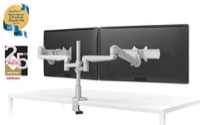
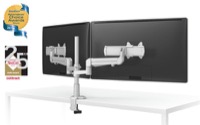
The ESI Evolve adjustable display monitor arm is so easy to position because no tools or handles required. It is a great solution in situations where multiple users occupy the same workspace.
|
The ESI Evolve adjustable display monitor arm is so easy to position because no tools or handles required. It is a great solution in situations where multiple users occupy the same workspace.
|
|
|
|
|
|
|
|
|
|
|
|
|
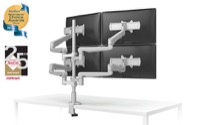
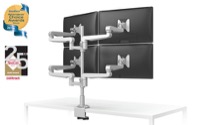
The ESI Evolve adjustable display monitor arm is so easy to position because no tools or handles required. It is a great solution in situations where multiple users occupy the same workspace.
|
The ESI Evolve adjustable display monitor arm is so easy to position because no tools or handles required. It is a great solution in situations where multiple users occupy the same workspace.
|
|
|
|
|
|
|
|
|
|
|
|
|
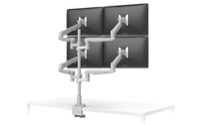
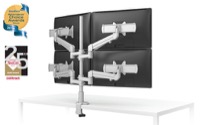
The ESI Evolve adjustable display monitor arm is so easy to position because no tools or handles required. It is a great solution in situations where multiple users occupy the same workspace.
|
The ESI Evolve adjustable display monitor arm is so easy to position because no tools or handles required. It is a great solution in situations where multiple users occupy the same workspace.
|
|
|
|
|
|
|
|
|
|
|
|
|
The ESI Evolve adjustable display monitor arm is so easy to position because no tools or handles required. It is a great solution in situations where multiple users occupy the same workspace.
|
The ESI Evolve adjustable display monitor arm is so easy to position because no tools or handles required. It is a great solution in situations where multiple users occupy the same workspace.
|
|
|
|
|
|
|
|
|
|
|
|
|
The ESI Evolve adjustable display monitor arm is so easy to position because no tools or handles required. It is a great solution in situations where multiple users occupy the same workspace.
|
The ESI Evolve adjustable display monitor arm is so easy to position because no tools or handles required. It is a great solution in situations where multiple users occupy the same workspace.
|
|
|
|
|
|
|
|
|
|
|
|
|
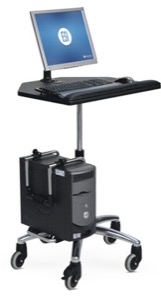
The Workstation On Wheels (WOW) provides generous workspace, space saving accessibility and secure placement of the monitor and CPU. Whether this is used in an office, educational or health care setting, this ergonomic, customizable Workstation On Wheels is the perfect solution for mobile computing.
|
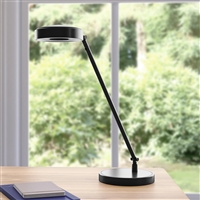
HAT Collective LED Task Light -This sleek LED Task Light enables you to reclaim your desktop while you work in greater ergonomic comfort. Our HAT Collective sophisticated lighting solutions provide ergonomics,
space savings, and clever design.
|
|
|
|
|
|
|
|
|
|
|
|
|
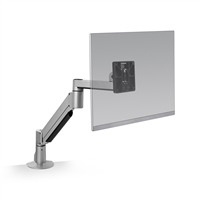
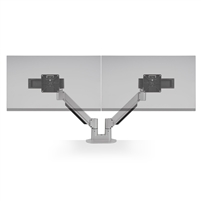
HAT Collective Monitor Arm -This articulating monitor mount enables you to reclaim your desktop while you work in greater ergonomic comfort. Suspend your monitor above your desk and take advantage of this arm’s 360 degrees of rotation.
|
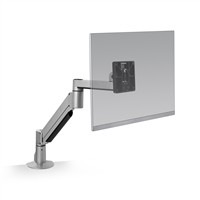
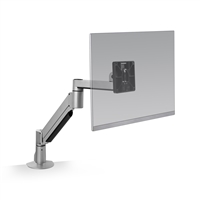
HAT Collective Monitor Arm -This articulating monitor mount enables you to reclaim your desktop while you work in greater ergonomic comfort. Suspend your monitor above your desk and take advantage of this arm’s 360 degrees of rotation.
|
|
|
|
|
|
|
|
|
|
|
|
|
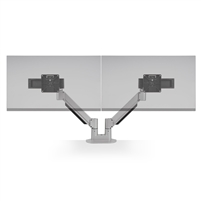
HAT Collective Monitor Arm -This articulating monitor mount enables you to reclaim your desktop while you work in greater ergonomic comfort. Suspend your monitor above your desk and take advantage of this arm’s 360 degrees of rotation.
|
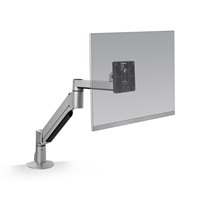
HAT Collective Monitor Arm -This articulating monitor mount enables you to reclaim your desktop while you work in greater ergonomic comfort. Suspend your monitor above your desk and take advantage of this arm’s 360 degrees of rotation.
|
|
|
|
|
|
|
|
|
|
|
|
|
HAT Collective Monitor Arm -This articulating monitor mount enables you to reclaim your desktop while you work in greater ergonomic comfort. Suspend your monitor above your desk and take advantage of this arm’s 360 degrees of rotation.
|
HAT Collective Monitor Arm -This articulating monitor mount enables you to reclaim your desktop while you work in greater ergonomic comfort. Suspend your monitor above your desk and take advantage of this arm’s 360 degrees of rotation.
|
|
|
|
|
|
|
|
|
|
|
|
|
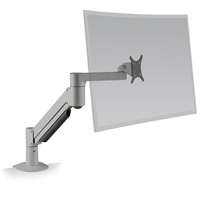
HAT Collective Monitor Arm -This articulating monitor mount enables you to reclaim your desktop while you work in greater ergonomic comfort. Suspend your monitor above your desk and take advantage of this arm’s 360 degrees of rotation.
|
HAT Collective Monitor Arm - The E2 Connex monitor arm is designed to enhance interactions between you and your technology. With E2 Connex, you can add or remove monitors without compromising your original configuration.
|
|
|
|
|
|
|
|
|
|
|
|
|
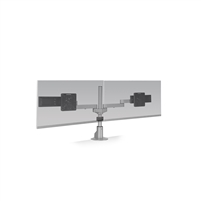
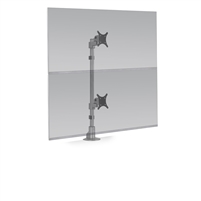
HAT Collective Monitor Arm - The E2 Connex monitor arm is designed to enhance interactions between you and your technology. With E2 Connex, you can add or remove monitors without compromising your original configuration.
|
HAT Collective Monitor Arm - The E2 Connex monitor arm is designed to enhance interactions between you and your technology. With E2 Connex, you can add or remove monitors without compromising your original configuration.
|
|
|
|
|
|
|
|
|
|
|
|
|
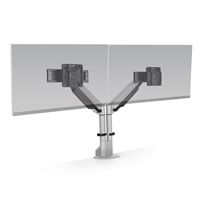
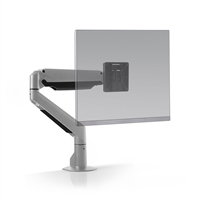
HAT Collective Monitor Arm - The E2 Connex monitor arm is designed to enhance interactions between you and your technology. With E2 Connex, you can add or remove monitors without compromising your original configuration.
|
HAT Collective Monitor Arm - The E2 Connex monitor arm is designed to enhance interactions between you and your technology. With E2 Connex, you can add or remove monitors without compromising your original configuration.
|
|
|
|
|
|
|
|
|
|
|
|
|
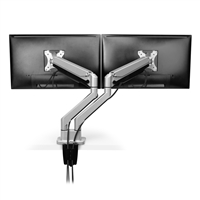
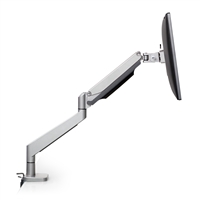
HAT Collective Monitor Arm - With a fast and easy install, quick release tilter and featured sliders on the dual arm, the E2 proves to be the ideal monitor
arm for both home and office environments.
|
HAT Collective Monitor Arm - With a fast and easy install, quick release tilter and featured sliders on the dual arm, the E2 proves to be the ideal monitor
arm for both home and office environments.
|
|
|
|
|
|
|
|
|
|
|
|
|
HAT Collective Monitor Arm -This articulating monitor mount enables you to reclaim your desktop while you work in greater ergonomic comfort. Suspend your monitor above your desk and take advantage of this arm’s 360 degrees of rotation.
|
HAT Collective Monitor Arm -This articulating monitor mount enables you to reclaim your desktop while you work in greater ergonomic comfort. Suspend your monitor above your desk and take advantage of this arm’s 360 degrees of rotation.
|
|
|
|
|
|
|
|
|
|
|
|
|
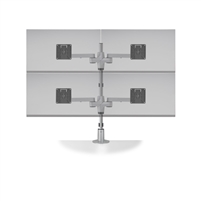
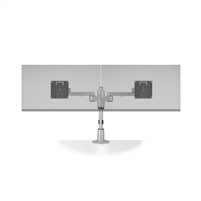
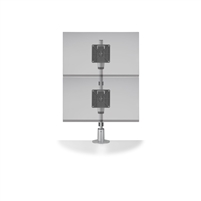
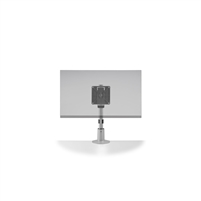
HAT Collective Monitor Arm - Designed for modularity, this groundbreaking display system can accommodate up to six monitors using a single mount. Staxx is a completely configurable pole-based solution allowing the addition of monitors by stacking more of the same parts on top of each other.
|
HAT Collective Monitor Arm - Designed for modularity, this groundbreaking display system can accommodate up to six monitors using a single mount. Staxx is a completely configurable pole-based solution allowing the addition of monitors by stacking more of the same parts on top of each other.
|
|
|
|
|
|
|
|
|
|
|
|
|
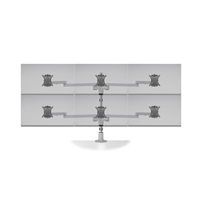
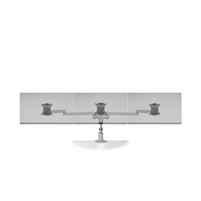
HAT Collective Monitor Arm - Designed for modularity, this groundbreaking display system can accommodate up to six monitors using a single mount. Staxx is a completely configurable pole-based solution allowing the addition of monitors by stacking more of the same parts on top of each other.
|
HAT Collective Monitor Arm - Designed for modularity, this groundbreaking display system can accommodate up to six monitors using a single mount. Staxx is a completely configurable pole-based solution allowing the addition of monitors by stacking more of the same parts on top of each other.
|
|
|
|
|
|
|
|
|
|
|
|
|
HAT Collective Monitor Arm - Designed for modularity, this groundbreaking display system can accommodate up to six monitors using a single mount. Staxx is a completely configurable pole-based solution allowing the addition of monitors by stacking more of the same parts on top of each other.
|
HAT Collective Monitor Arm - Designed for modularity, this groundbreaking display system can accommodate up to six monitors using a single mount. Staxx is a completely configurable pole-based solution allowing the addition of monitors by stacking more of the same parts on top of each other.
|
|
|
|
|
|
|
|
|
|
|
|
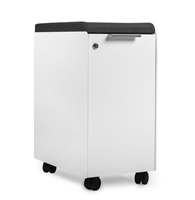
Mobile Storage Locker - With our most extensive storage offering yet, Collective Storage
features clean design and flexibility for an organized, functional space that doesn’t sacrifice style. Slide your mobile pedestal underneath your worksurface for easy access.
|
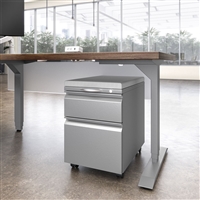
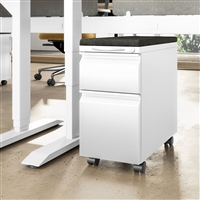
Mobile Pedestal - Additional features include a pencil tray and filing capabilities, for both letter and legal paper sizes. Slide your mobile pedestal underneath your worksurface for easy access.
|
|
|
|
|
|
|
|
|
|
|
|
Mobile Pedestal - Additional features include a pencil tray and filing capabilities, for both letter and legal paper sizes. Slide your mobile pedestal underneath your worksurface for easy access.
|
Mobile Pedestal - Additional features include a pencil tray and filing capabilities, for both letter and legal paper sizes. Slide your mobile pedestal underneath your worksurface for easy access.
|
|
|